UI Reverse Engineering · AI Context Generator
Turn Any Website Into
AI-Ready Design.md File
Instantly extract color tokens, Satoshi typography, CSS variables, and copy-paste system prompts tailored for Claude Code, Cursor, Windsurf & Lovable.
Enter a public website domain, for example stripe.com
- 10 AI-ready files per URL
- No signup required
- Satoshi font ready
- EXTRACTED TOKENS
- 28
- PRIMARY FONT
- Satoshi
- COLOR SYSTEM
- OKLCH / HEX
- TARGET AI AGENTS
- 5 Agents
OKLCH + HEX
Display (Extrabold)
4 Palette Roles
Claude · Cursor · Lovable
# linear.app — Production Design Context

## Design System Specifications
- --font-sans: "Satoshi"
- --font-mono: "Geist Mono"
- primary: "#165DFC"
- background: "#0A0A0C"
- card: "#121215"
- text: "#FFFFFF"
EXPORT TO AI AGENT
Extracted Palette Swatches
Click swatch to copy



features
documentation · ai ready · reverse engineeringGenerate complete design documentation from one URL
One click turns a live page into a full set of machine-readable design context files.
One click creates
- design.md
- colors.json
- typography.json
- spacing.json
- shadows.json
- components.md
- animations.md
- prompts.md
- figma-tokens.json
- tailwind.config.ts
- css variables
AI ready
Works perfectly with the tools you already build in.
Reverse engineer any UI
Everything we extract from the rendered page.
live demo
four stepsHow the design extractor works in four steps
Paste a URL, let the analyser read the rendered page, then download design files your AI coding tool can use straight away.
Step 01: Paste URL
Any public page. We render it exactly as a visitor sees it.
Step 02: AI analysis
Colors collapse into roles, type into a scale, spacing into a rhythm.
Step 03: Generate files
Ten formats written at once, cross-referenced and consistent.
Step 04: Download ZIP
Drop it into your repo or paste it straight into your agent.
what you'll receive
10 files per analysisEvery file included in a design.md export
Ten cross-referenced files covering colour, typography, spacing, shadows, components and agent prompts.
design.md
Production documentation
tailwind.config.ts
Ready for Tailwind
tokens.json
Design tokens
components.md
Component library
animations.md
Motion system
prompt.md
Claude prompt
figma.json
Figma variables
css-vars.css
CSS variables
popular design libraries
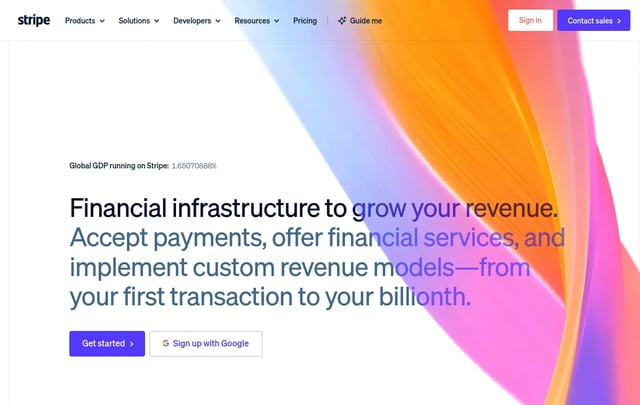
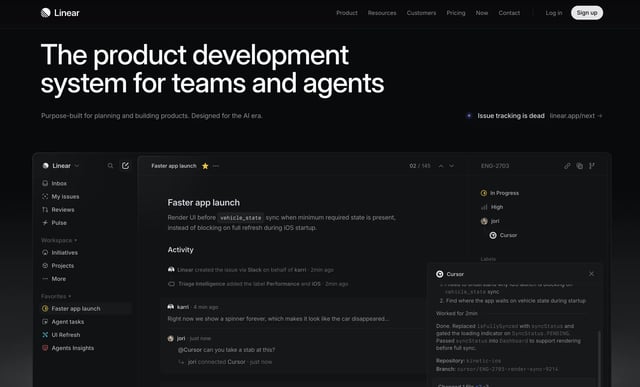
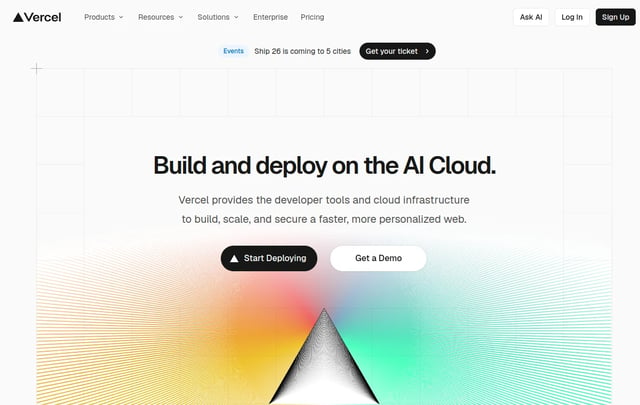
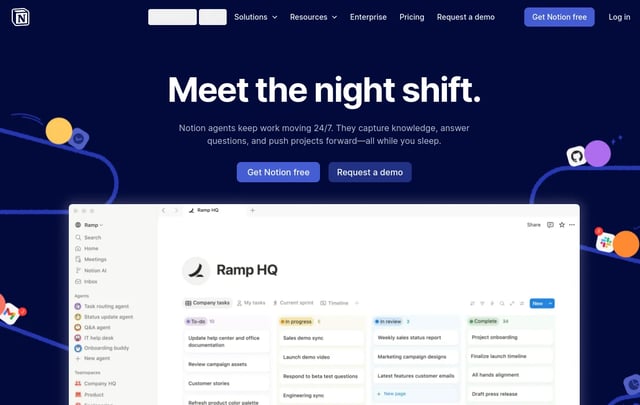
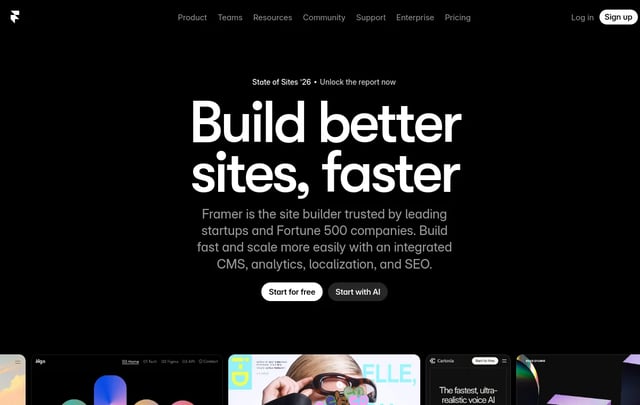
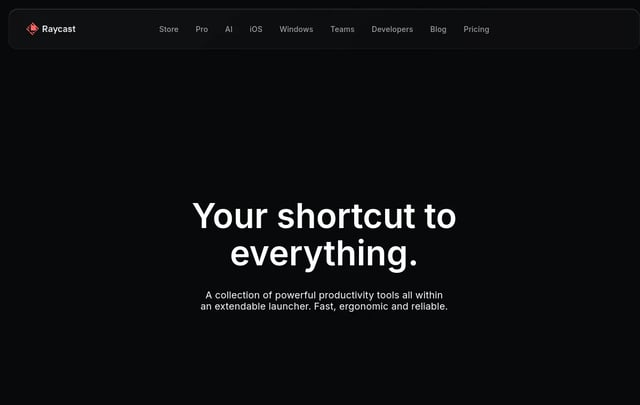
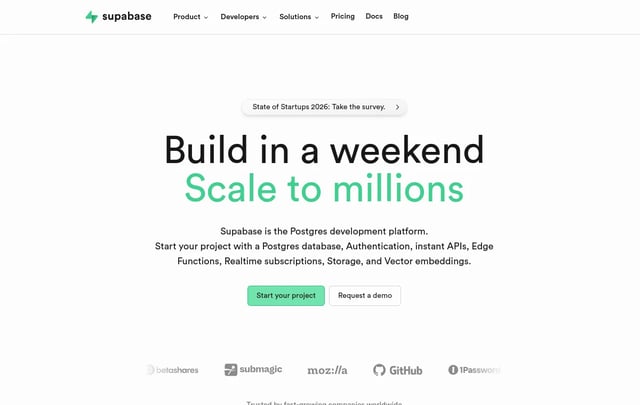
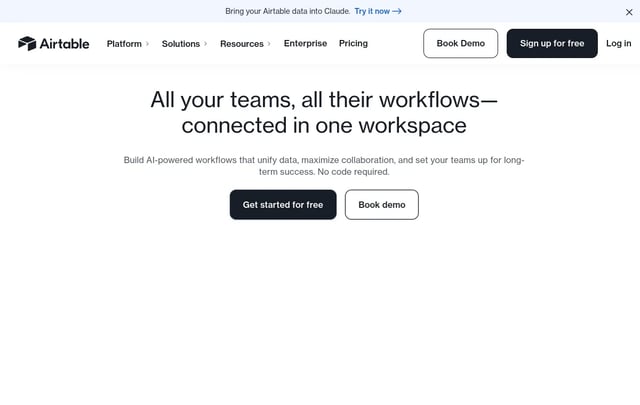
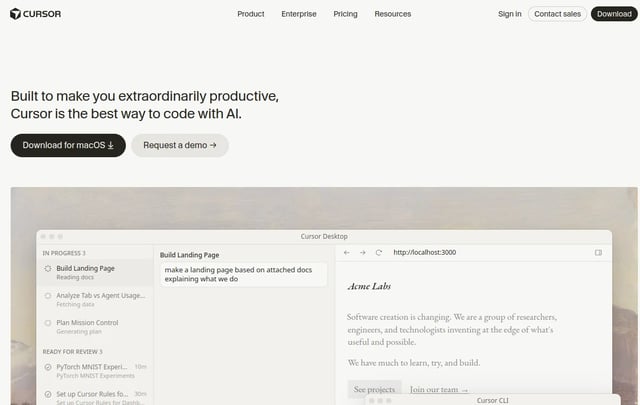
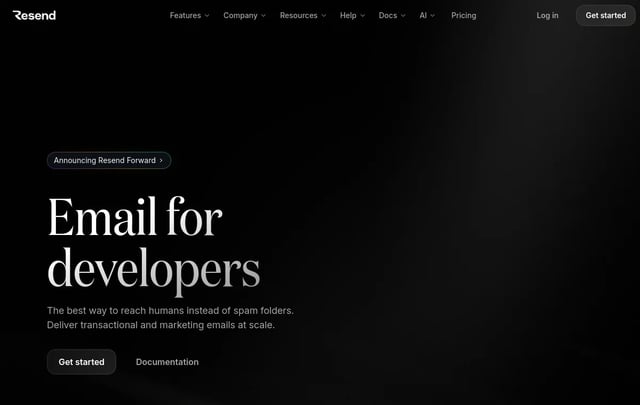
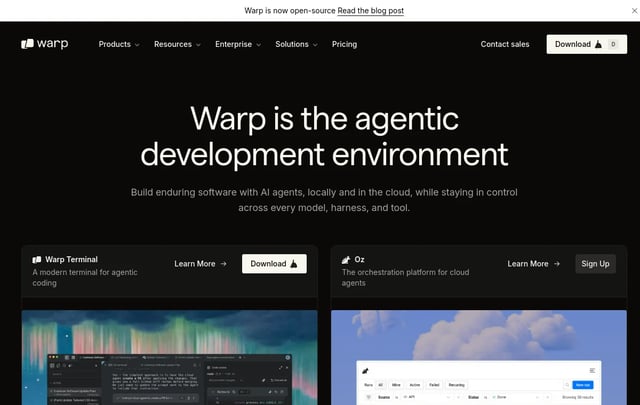
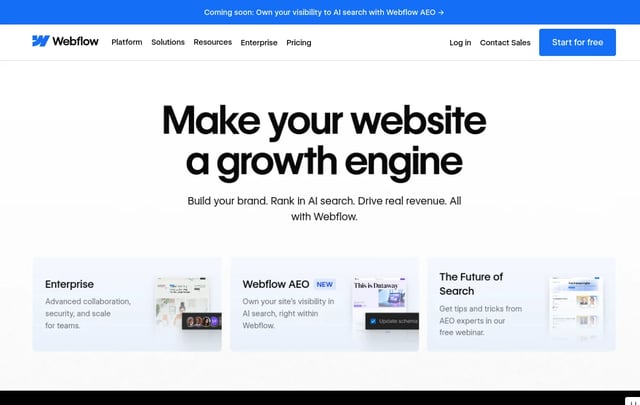
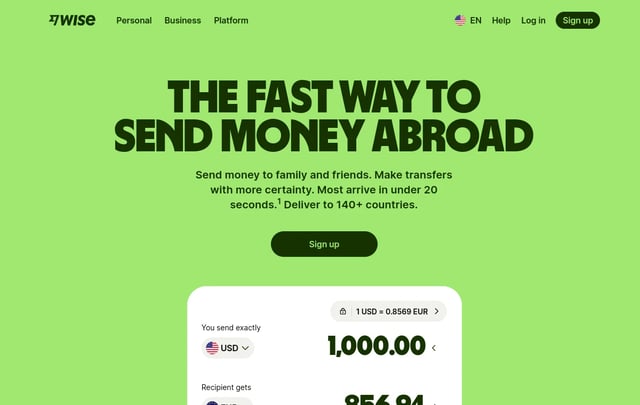
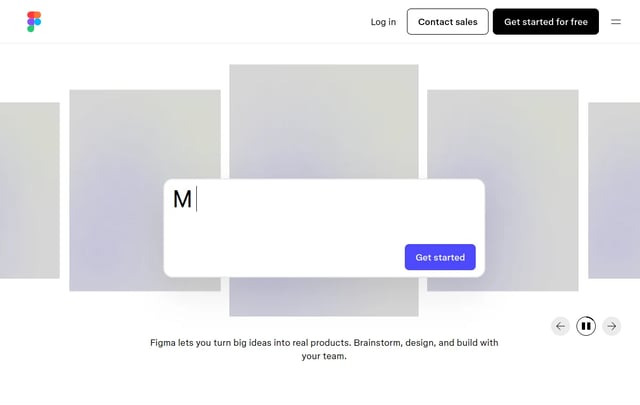
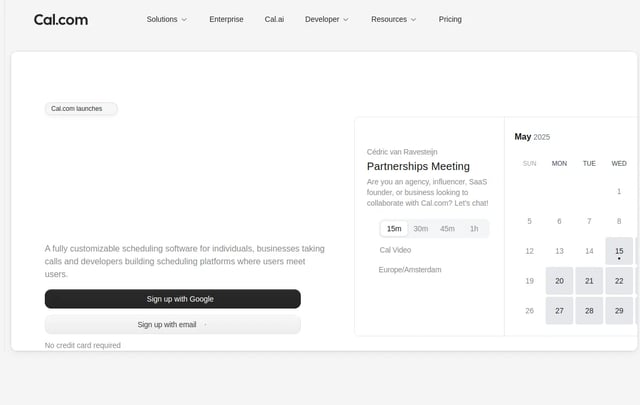
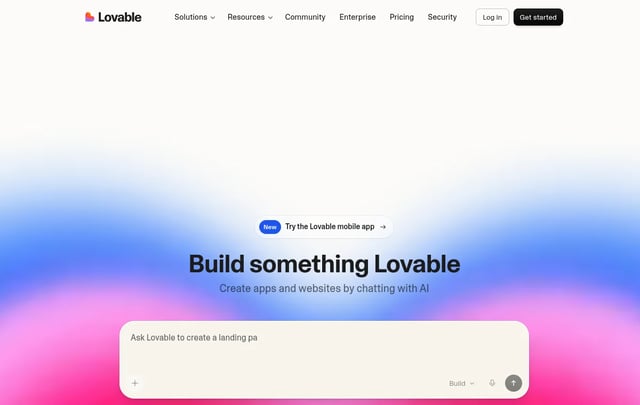
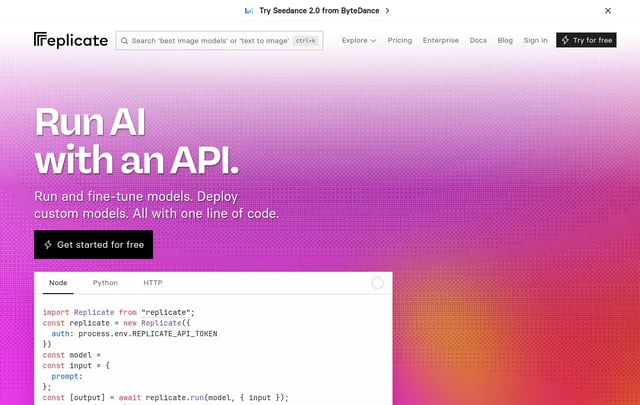
29 systemsBrowse a library of production UI design systems
Pre-analyzed, AI-ready documentation for the sites your product is measured against.

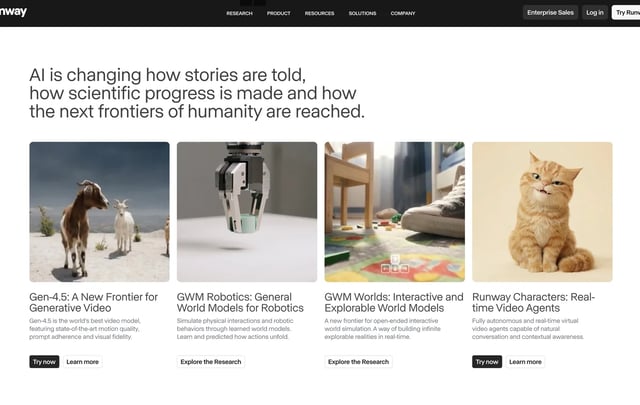
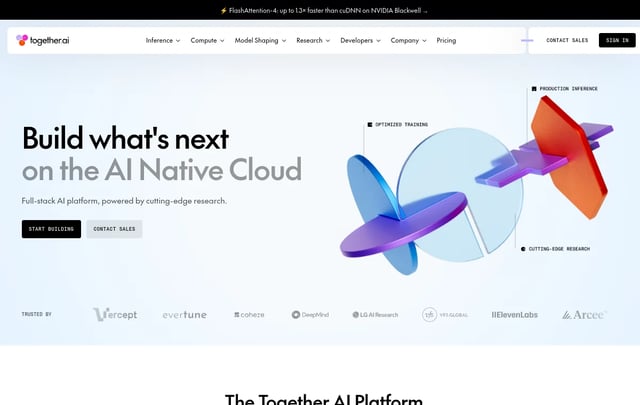
latest ui designs
newest every dayLatest UI designs added to the library
Newly analysed products, published daily with their extracted tokens ready to download.
browse categories
26 categoriesBrowse design systems by product category
Jump straight to the category closest to the product you are building.
component library
huge searchable librarySearch a component library of documented UI patterns
Each pattern ships with the tokens, states and spacing rules it depends on.
design inspiration
thousands of screenshotsDesign inspiration you can turn into tokens
Open any screenshot to generate its design.md and reuse the system behind the interface.
frameworks · trends · resources
2026 collectionsFrameworks, 2026 UI trends and free design resources
The stacks we generate config for, the trends shaping this year's interfaces, and where to find assets.
Popular frameworks
2026 UI trends
Free design resources
blog & setup guides
15 articlesGuides on design systems and AI coding workflows
Setup guides for Claude Code, Cursor, Windsurf, Devin, Kiro and articles on design context.
DESIGN.md at scale: when tokens are not enough
Color and type tokens stop drift in individual components. Here is what to add when your agent still gets layout, density, and states wrong.
DESIGN.md vs AGENTS.md vs RULES.md: which file does what
A practical map of the context files AI coding agents read, what belongs in each one, and how to stop them from contradicting each other.
How to use DESIGN.md with Aider
Use .aider.conf.yml to load DESIGN.md as read-only context in every Aider session.
How to use DESIGN.md with Claude Code
Point CLAUDE.md at your DESIGN.md so Claude Code reads your design system before it writes a single line of UI.
How to use DESIGN.md with Cline
Configure .clinerules so Cline reads your design tokens before it plans or edits any interface code.
How to use DESIGN.md with Codex
Pair AGENTS.md engineering rules with DESIGN.md visual rules so Codex ships UI that matches your product.
How to use DESIGN.md with Continue.dev
Add a rules file to your Continue config so every chat and edit inherits your DESIGN.md tokens.
How to use DESIGN.md with Cursor
Use .cursor/rules to inject your DESIGN.md into every UI generation, automatically and on every request.
How to use DESIGN.md with Devin
Add your DESIGN.md to Devin's Knowledge base so long autonomous sessions stay on brand from start to finish.
How to use DESIGN.md with GitHub Copilot
Configure copilot-instructions.md so Copilot Chat and agent mode respect your design tokens on every suggestion.
How to use DESIGN.md with Google Stitch
Stitch has no rules file, so here is the prompt-side workflow that keeps generated UI matching your design system.
How to use DESIGN.md with Kiro
Add your DESIGN.md to Kiro's steering directory so every spec and task inherits the same visual rules.
How to use DESIGN.md with v0 and Lovable
Browser builders have no rules file, so use a pinned constraint block and a normalisation pass to keep generated UI on brand.
How to use DESIGN.md with Windsurf
Point Windsurf rules at your DESIGN.md so Cascade builds UI with your tokens instead of its defaults.
74 real brand design systems your AI agent can read
Every system in the library is documented in the same DESIGN.md format, from Stripe and Linear to Tesla, Nike, and a 1996 Dell homepage. Here is what is in there and how to use it.
testimonials
from design engineersWhat design engineers say about design.md
Teams shipping with generated design context in Claude Code, Cursor and Windsurf.
“I paste a URL, drop design.md into Claude Code, and the first render already matches the brand. It removed a whole day of token guessing.”
“The tailwind.config.ts export is the killer feature. Our agency ships client-matched prototypes in an afternoon now.”
“Cursor finally stops inventing purple. The prompt.md file keeps every component on the same spacing rhythm.”
pricing
cancel anytimeSimple pricing for design.md generation
Start free with no signup, then upgrade only when you need more analyses. Cancel anytime.
Pro
POPULAR$12per month
- 150 designs / month
- All export formats (.md, JSON, Tailwind, CSS Variables, AI Prompt, ZIP)
- Private projects
- Unlimited downloads
- Priority queue
- Design comparison
Team
$39per month
- 1,000 designs / month
- Everything in Pro
- 5 team members
- Shared workspace
- API access
- SSO & audit logs
- Team billing
faq
12 questionsFrequently asked questions about design.md
What the extractor reads, what it writes, and how the output fits into your workflow.
A design.md file is a machine-readable documentation specification that describes a website's complete design system. It includes OKLCH/HEX color roles, Satoshi & Geist typography scales, spacing rhythm, button/card primitives, motion rules, and AI prompt instructions designed for Claude Code, Cursor, and Windsurf.
Yes. Simply paste any public website address into the generator input. Our headless extraction engine reads the rendered DOM, computes exact styles, and synthesizes token scales automatically.
design.md is supported natively across Claude Code CLI, Cursor IDE (.cursorrules), Windsurf (Cascade), Lovable, v0 by Vercel, Bolt.new, ChatGPT, and GitHub Copilot.
Each export bundle includes 8 cross-referenced files: design.md, tokens.json, tailwind.config.ts (Tailwind v4), variables.css (CSS Custom Properties), colors.json, typography.json, components.md, and prompt.md.
We generate native Tailwind CSS v4 @theme configurations. Your exported tailwind.config.ts contains @theme variables like --color-primary, --font-sans, and --radius-lg, allowing zero-build-step consumption in Tailwind v4 apps.
Yes. The export suite produces standard CSS Custom Properties (:root { --color-primary: #... }) as well as W3C-compliant Design Tokens JSON compatible with Figma Tokens and Style Dictionary.
AI coding models often invent arbitrary colors when given vague prompts. Providing a design.md file forces the AI model to consume explicit token boundaries, ensuring zero color drift and 100% brand consistency.
Extracted URL data is processed statelessly in ephemeral browser instances. Private analyses are never indexed or sold, and Pro/Team subscribers can keep their generation history strictly confidential.
Absolutely. All extracted design tokens, Tailwind configs, and CSS variables are 100% royalty-free and can be integrated into commercial client projects, agency work, and production SaaS web applications.
The extractor calculates color luminance using perceptually uniform OKLCH spaces. It categorizes surfaces, text inks, and interactive brand accents separately so light and dark mode variables map cleanly.
design.md contains the visual design system tokens (colors, font scales, radii). .cursorrules and AGENTS.md are prompt configuration files that instruct AI assistants to enforce the rules in design.md when generating code.
No! You can start using designmd.fun completely free without creating an account. Free tier includes 5 complete website extractions per month with design.md and token JSON downloads.
Give your AI coding tool real design context
One URL in, ten AI-ready files out. Then hand them to Claude Code, Cursor or your team.
Generate Design.md